
Choose where the circus performs
Fleawinder is in TestFlight on iPhone, iPad, and Apple TV, active on macOS, and still available as Windows Classic.
From pocket to living room
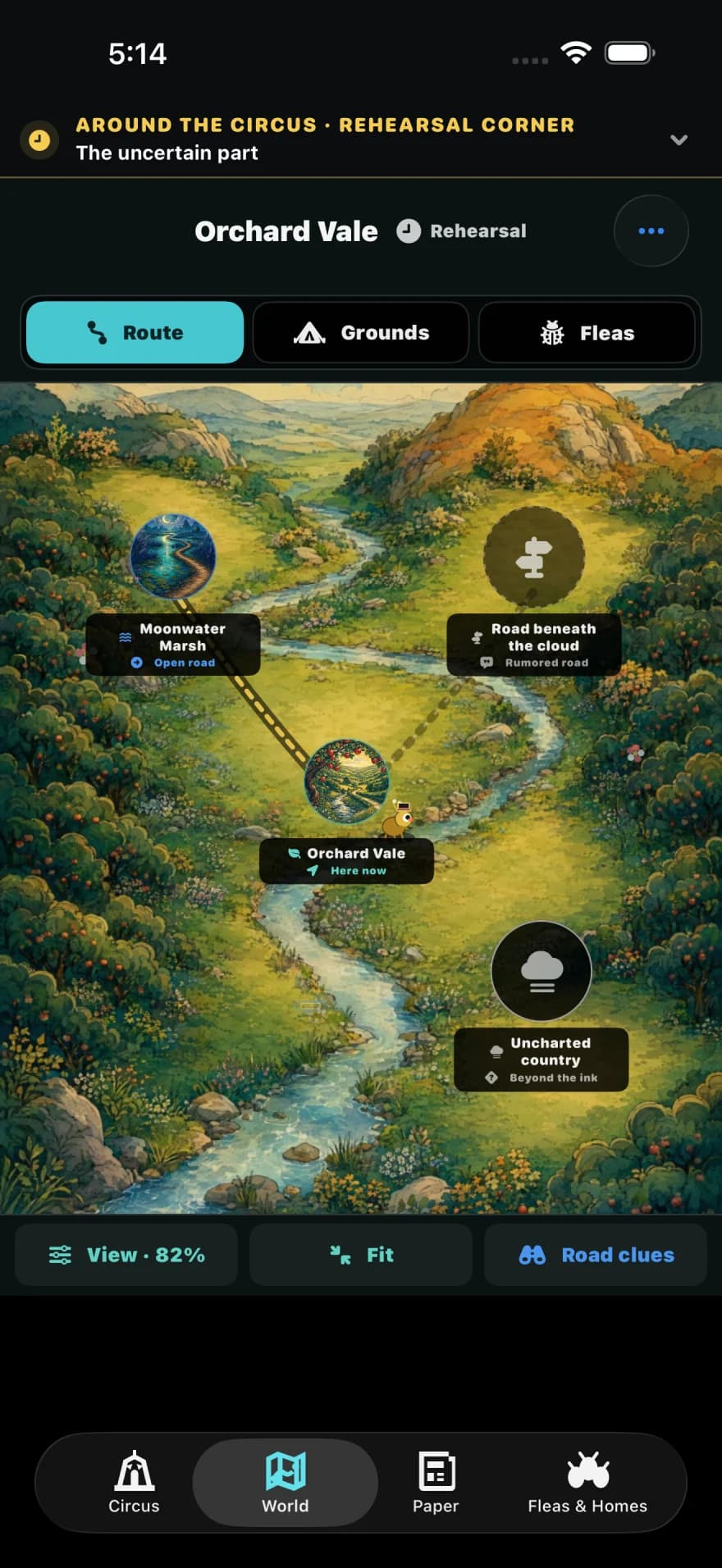
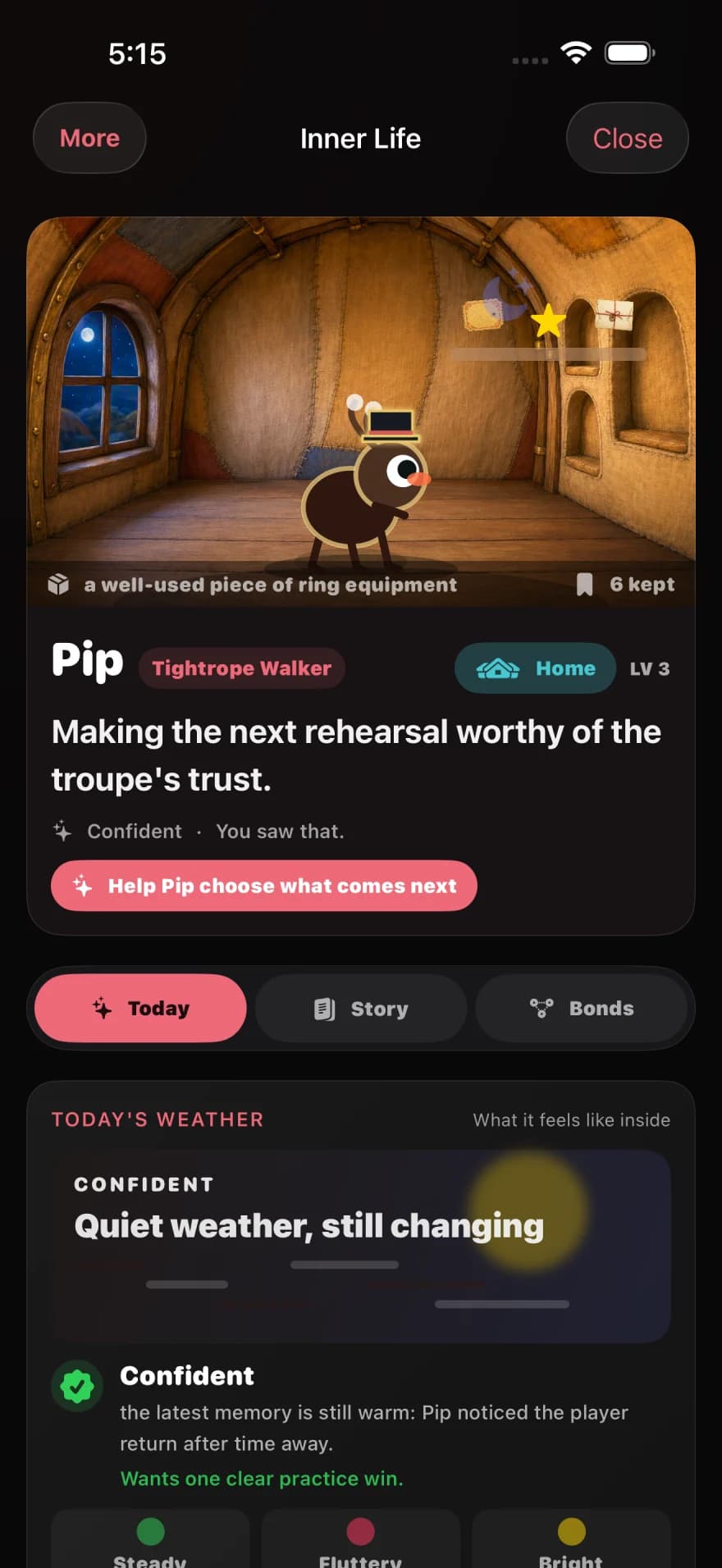
The circus travels across iPhone, iPad, Apple TV, and Mac.
Fleawinder: Living Circus
Apple TestFlight previews
Try Fleawinder on iPhone, iPad, and Apple TV through TestFlight. Companion surfaces include Watch, widgets, keyboard winding, stickers, and Top Shelf.
Desktop builds
Bring the circus to your Mac, or revisit the original taskbar show with Windows Classic.
Hear when the curtain rises
The newest pocket circus is warming up in TestFlight. Leave an email if you want a note when the App Store curtain rises.
Getting Started
Apple TestFlight Beta
- Tap the TestFlight link on your iPhone, iPad, or Apple TV
- Install TestFlight from the App Store if prompted
- Accept the beta invite and install Fleawinder: Living Circus
- Open the app, wind the circus, meet the troupe, and try the tiny stage if your device supports it.
Desktop setup
Windows
- Run Fleawinder: Living Circus Setup (.exe), or extract the .zip if needed
- If you used the .zip, double-click FleaWinder.exe
- The circus appears above your taskbar—start typing!
- Exit with Ctrl+Shift+Q or click the X button
macOS
- Open the .dmg file
- Drag Fleawinder: Living Circus to your Applications folder
- Launch from Applications—the circus appears above your Dock
- Grant Accessibility permission when prompted (for input monitoring)
- Exit with Cmd+Shift+Q
Questions? Contacto